
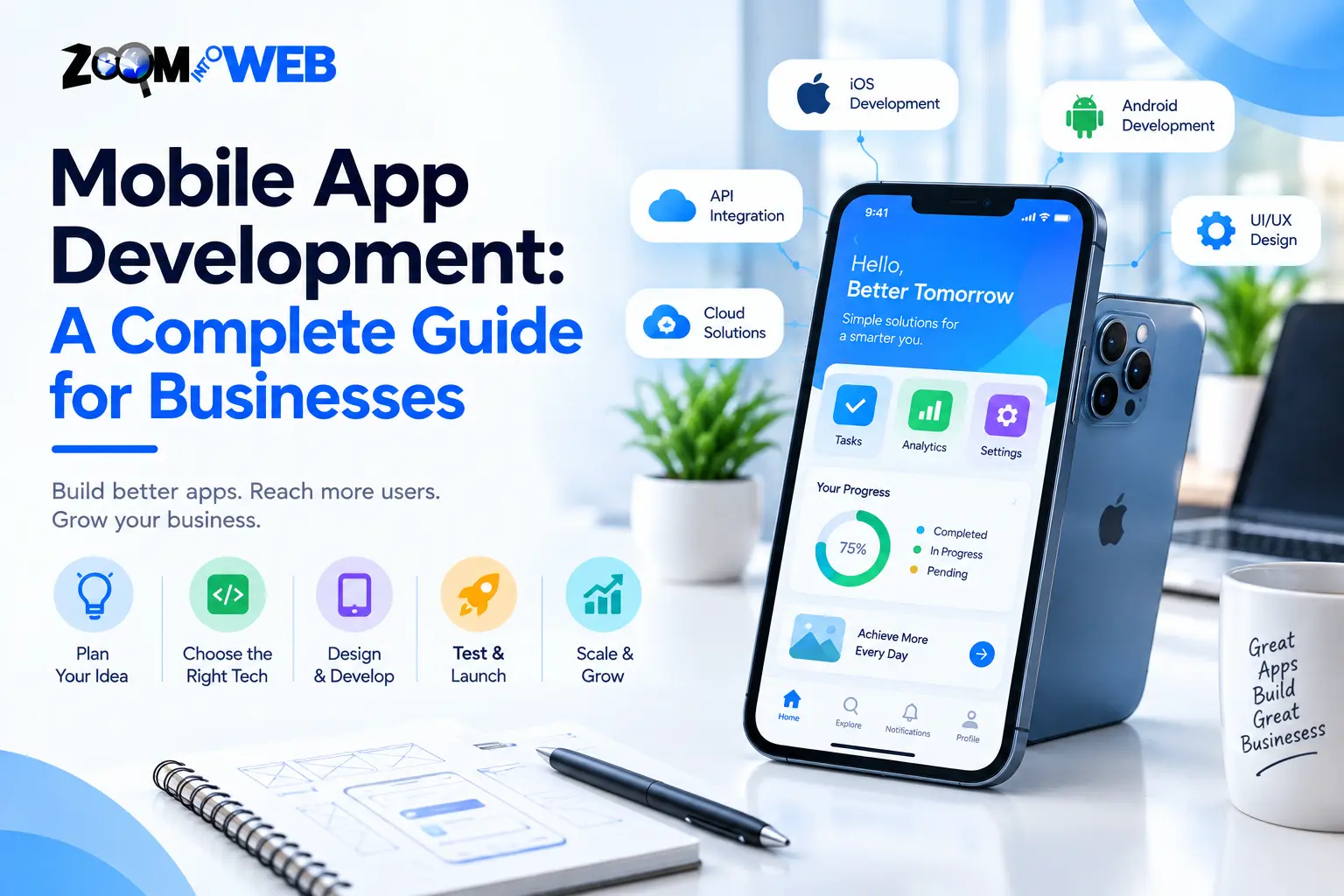
Mobile app development enables businesses to provide consumers with convenient digital experiences and services — from online buying to service appointments to staff management and more. But creating an engaging and fit-for-purpose application requires more than just the coding expertise of a mobile application developer. Businesses must ask themselves what problems the mobile app should solve, which technology stacks to utilise, how to design and build intuitive interfaces, how to ensure consumer safety, and how to think about maintenance and ongoing support.
Whether you are a start-up exploring the viability of a product or an established enterprise seeking to transform your customer engagement, learning more about the mobile app development process can help you make informed investment choices. This guide will walk through the process, examine the key technology choices, explore the costs, and explain how to make sure you get value for money from your application development investment.
What is mobile app development?
Mobile app development is the process of conceptualising, designing, building, deploying, and maintaining computer software that runs on portable electronic devices such as mobile phones and tablets. Mobile applications help enterprises generate revenue, provide services, manage operations, and engage with customers remotely.
Most mobile applications are designed to solve a specific business problem or set of problems. For instance, an e-commerce enterprise could develop a mobile application to enable its consumers to browse products, make purchases, save payment details, and track delivery. Service businesses, on the other hand, could develop a mobile app that lets their clients schedule jobs and receive them done. The process will look slightly differently depending on the application’s purpose, the intended audience, desired features, and technology choices.
What are the different approaches to mobile application development?
Generally, enterprises can choose from three (3) approaches to building mobile apps: native, cross-platform, and progressive web apps. Native applications are typically written in platform-specific languages (Java or Kotlin for Android and Objective-C or Swift for iOS), use platform-specific tools, and are optimised for performance. Cross-platform apps, however, are mostly built with web technologies (HTML5, CSS, and JavaScript) and run on both Android and iOS.
| Approach | Description | Applicable for |
| Native app development | Apps written in platform-specific languages using platform-specific tools | Apps that require deep platform integration or utilise platform-exclusive features |
| Cross-platform development | Apps written mostly in web languages that run on multiple platforms | Apps that target multiple platforms but do not utilise platform-exclusive features |
| Progressive web app (PWA) | A web application that can be used like a mobile application in a browser | Solving a common access or discoverability problem on a browser |
Which approach is the best? It depends on the application’s requirements, audience, budget, and support needs. Native apps are typically the best choice when an enterprise wants to leverage platform-specific capabilities or when performance is a priority. By contrast, cross-platform mobile apps are usually chosen when an enterprise wants to target multiple platforms without writing two separate applications. Finally, a PWA can be sufficient if the majority of the target audience will be accessing the application via a web browser.
How does the mobile application development process work?
A well-defined process enables enterprises to deliver fit-for-purpose mobile applications without wasting resources on features that the target audience will never use. Here is a bird’s-eye view of the development lifecycle:
| Process | Overview |
| 1. Discovery and requirement analysis | This stage focuses on identifying the target audience, the problem to be solved, and the application’s objectives. Developers and businesses will also discuss the application’s key features, user roles, technology requirements, budget, and success metrics. |
| For instance, the discovery phase for an appointment-setting mobile application would entail identifying the features and roles (e.g., customers, staff, and administrators), defining success metrics (e.g., percentage of completed bookings), and discussing the technical requirements (e.g., database, payments, third-party tools). | |
| 2. UI/UX design and prototyping | UI (user interface) and UX (user experience) design entail building the graphical layout and navigation workflows of the application. This stage is critical in ensuring that the target audience can intuitively operate the product. Prototyping lets developers and businesses walk through the proposed application flow and spot design or technical issues. |
| 3. Technology selection and development | The development team will select the best technology stack for the application and begin developing actual code. Developers usually build the graphical components (UI), the logic and structures of the application (UX), and supporting systems (databases, APIs, and tools). |
| This is when the technical realisation of the mobile application begins. It is, therefore, critical to make informed technology choices at this stage. | |
| 4. Testing and quality assurance | Testing ensures that the application works as designed on all target platforms and devices. It is also an opportunity to identify usability, performance, and security issues proactively. Testers will typically use actual devices to check functionality and performance. |
| Some of the scenarios to consider when testing a mobile application include: | |
| – Will the payment process work? | |
| – Will the app work on slow cellular connections or networks? | |
| – Will the application allow duplicate bookings? | |
| – Will the session timeout be reasonable? | |
| 5. Deployment and store listings | At this point, the developed application is ready for deployment. The development team will prepare store listings and other supporting materials (screenshots, videos, privacy policy, etc.) for app stores. |
| Although deploying applications to stores is relatively simple, approval is rarely automatic — especially for Google Play and the Apple App Store. | |
| 6. Maintenance and continuous improvement | After launching the mobile application, developers monitor, troubleshoot, and improve it to keep it running smoothly. The maintenance process also involves addressing security and performance concerns, responding to user feedback, and implementing critical updates and patches. |
What features should a business mobile application have?

A mobile application should have features that address a specific need for an enterprise. It is always tempting to include too many features, but doing so can increase the complexity and cost of development disproportionately. The following is a birds-eye view of the most common features of business mobile applications:
| Feature category | Overview |
| User authentication | Sign-up, log-in, account recovery, and permission management |
| Dashboards | User-specific data displays (e.g., order progress, account details) |
| Payments | Integrated payments and transactions (if applicable) |
| Push notifications | Alerts, messages, and other time-sensitive information |
| Search and navigation | Search bar, filters, and other navigation-assisting features |
| Analytics | Event tracking and other analytical tools |
| Administration | Tools that let admins add or remove data from the application |
It is important to understand a target audience’s needs, wants, and behaviours and start with a minimum viable product (MVP). An MVP is a lean version of a mobile application with just enough features to satisfy early adopters, address a specific need, and enable further product improvement.
What are the benefits of mobile application development for businesses?
Mobile applications offer several advantages to enterprises: they create value for customers, streamline business processes, enable more effective communication, provide actionable insights, and support long-term growth. However, the benefits of a mobile application are never guaranteed — they must be designed, developed, and marketed strategically to help achieve specific business objectives.
| Potential benefits | Details |
| Greater convenience for customers | Consumers can access your mobile application anytime, anywhere, to complete preferred activities. |
| Streamlined operations | Mobile applications can digitise and simplify business processes such as scheduling, inventory management, and approving expenses. |
| More effective communication | Push notifications can help keep your target audience engaged without spamming them via email or phone. |
| Valuable customer insights | Properly implemented analytics can help you identify what works and what does not in your mobile application. |
| Long-term growth and scalability | A well-architected mobile application can grow with your business, add new features, and accommodate more users. |
How much does mobile application development cost?
The cost of building a mobile application varies significantly depending on several factors. In general, you should expect to pay more for complex features and higher levels of security. You should also consider the cost of maintenance because mobile applications require regular troubleshooting, patches, and updates.
| Factors | Details |
| Feature complexity | Complex features and functionalities require more development and testing time. |
| Platforms | Native applications often require more resources per platform. |
| UI/UX design | Custom designs and prototyping add to the overall cost of development. |
| Backend and integrations | The complexity of databases, APIs, and administrative tools can affect costs. |
| Security | A mobile application that handles sensitive data requires additional security measures. |
| Maintenance | Hosting, monitoring, troubleshooting, and other maintenance-related tasks can be expensive. |
How to choose the best mobile application development company?
Choosing the best mobile application development company can be challenging, especially since there are dozens of technology providers to choose from. Here are some critical questions to ask:
| Questions | Purpose |
| Have you worked on similar applications or features? | To ensure that the provider has the necessary expertise. |
| Can you explain why you recommend a particular platform? | To avoid assumptions and understand the rationale. |
| Do your proposals include discovery, design, testing, launch, and maintenance? | To have a realistic view of the project’s scope and timeline. |
| How will you handle security, permissions, and backups? | To understand the provider’s approach to critical application features. |
| Who owns the code, design, and intellectual property? | To clarify ownership and licence terms. |
| How will you manage changes, updates, and ongoing support? | To set realistic expectations for change control and maintenance. |
Always ask for a complete proposal that outlines the deliverables, roles, and responsibilities of both parties. It is also important to request a realistic project timeline.
Mobile application development services at Zoom Into Web
Zoom Into Web offers mobile application development services to enterprises that want to build digital products for their operational and consumer needs. The company’s mobile application development services also cover native application development, hybrid application development, and progressive web applications (PWAs).
A trained professional can recommend the best application type based on your requirements, audience, and long-term needs. Equally importantly, a clear discovery process can help you define the MVP features and those that can be added later. If you are thinking of building a mobile application or improving an existing digital tool, reach out to Zoom Into Web to learn more about its mobile application development services and options.
Frequently asked questions (FAQ)
How long does mobile application development take?
The time it takes to build a mobile application varies depending on the application’s scope and complexity. As a rule of thumb, a focused and targeted mobile application takes less time to develop than one with complex features and multiple user roles. A well-defined scope will always help you set realistic timelines for the project.
Is native or cross-platform mobile application development better?
Both approaches have their advantages and disadvantages. Native mobile application development is the best choice when an application needs to leverage platform-specific tools or performance. By contrast, cross-platform mobile application development is ideal when an enterprise wants to build applications for multiple platforms with a single codebase.
Can a business build a mobile app on a small budget?
Yes. Enterprises can always start with a lean application (MVP) that addresses a specific need and add more features over time. Building an MVP is always a good way to test the waters before investing heavily in the application.
Why is mobile application maintenance important?
Mobile application maintenance keeps your application safe and running smoothly. It is, therefore, critical to budget for ongoing support and maintenance when launching a mobile application.
Written by the Zoom Into Web Team
This content was written by the Zoom Into Web team, combining hands-on experience in web development, software solutions, and digital marketing. We create accurate, practical, and up-to-date content to help businesses make informed technology decisions.

Comments are closed