
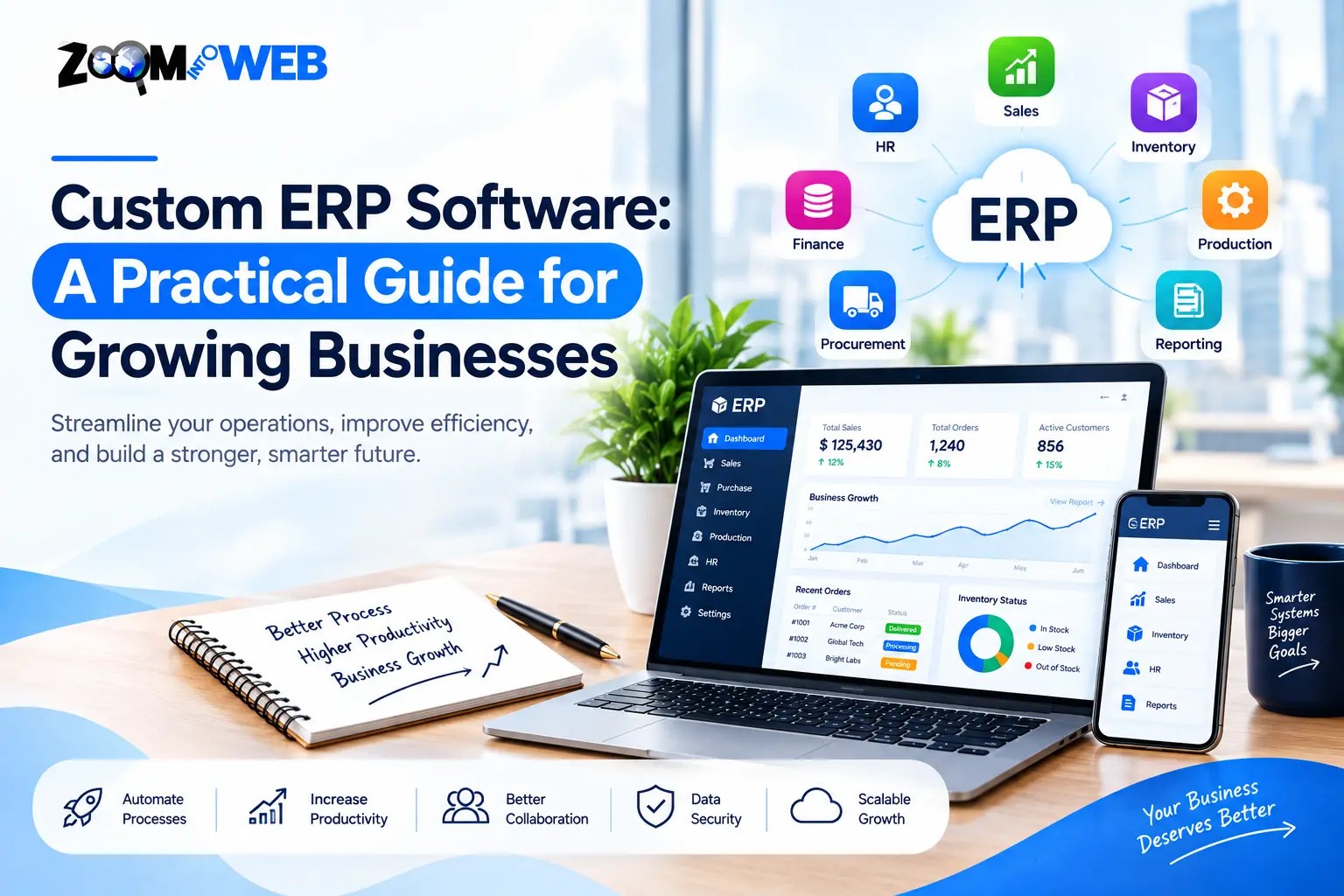
Businesses can outgrow simple tools such as spreadsheets, isolated apps and generic software. Custom ERP development can help tie finance, inventory, procurement, production, sales, projects and more together in a unified system that works with the actual way the business operates.
A custom ERP development gives the ability to select what business processes and features are needed, as opposed to buying an off-the-shelf ERP with a fixed set of capabilities, limitations and required processes. However, some businesses find that standard ERP systems require too many workarounds.
What is Custom ERP Software?
Custom ERP software is an enterprise resource planning system that is built or significantly customized to meet the specific needs of an organization or industry. It unifies key business processes in an interconnected system rather than having each department work with separate software or tools.
ERP software typically covers finance and accounting, procurement, inventory, supply chain, project management, manufacturing and reporting, among others, depending on the platform. A custom ERP development works with the business processes and data structures used by an organization.
A custom ERP is typically used when a manufacturing or distribution company needs production planning, execution, shop-floor control, warehouse management or other specialized features that are not present in stock ERP systems.
The goal is not to build or customize everything, but to include the features that provide business value and are needed to perform operations.
How Does Custom ERP Development Works?
Development works with the actual business processes, rather than forcing the business to work with whatever predefined features come with a stock ERP system. There is still a software-development process, but it starts with analyzing the current business processes and what the organization wants to achieve.
A typical development process involves:
- Conducting a business-requirement analysis – documenting processes, users, challenges, data requirements, business goals and other factors;
- Planning the ERP architecture and modules – determining what specific functions are required and what can be added later;
- Designing the UI/UX and business processes – building dashboards, approvals, user interfaces and other features around real-world requirements;
- Developing and connecting modules – building the required features and connecting ERP to other business applications;
- Testing and data migration – verifying calculations, permissions, connections, processes and ensuring data accuracy;
- Going live and training – launching the application in production and providing training to end-users;
- Further improvements – ongoing maintenance, security updates and adding new modules or features.
Implementing ERP is a complex process that requires extensive planning and often takes months or years to complete, depending on the software, the number of users and required features.
Which ERP Modules Can be Customized?
ERP modules are determined by the industry and specific business needs. An organization does not necessarily need every available function or report. A few key modules can be prioritized, with others added at a later stage if needed.
ERP Module What it can help manage
Finance & accounting Invoices, expenses, payments, financial reports and general accounting
Inventory Stock, materials, warehouses and inventory management
Procurement Purchase requests, suppliers, purchase orders and approvals
Production Production planning, work orders, materials, shop-floor processes and execution
Supply chain Management of procurement, logistics, suppliers, purchase orders and other functions
Sales & order management Quotations, orders, customers, sales and order processing
Human resources Attendance, leave, employee data and other selected functions
Project management Projects, tasks, resources, time, costs and budgets
Reporting Dashboards, reports, analytics and key performance indicators
Workflow automation Approval workflows, tasks, notifications and other recurring processes
For a manufacturing business, it makes sense to prioritize inventory, procurement, production planning, quality control, warehouse management and related supply chain features. A service-based business may find that project management, billing, customer relations and reporting are more important.
What are the Benefits of Custom ERP Software?
The primary benefit of a custom ERP is the ability to unify business processes and data, provide end-to-end automation, integrate with existing applications and give the ability to track and report on a variety of metrics relevant to the business.
1. Aligment With Business Processing Requirements
A business with specialized or unique processes may find that a stock ERP system requires too many workarounds or does not support specialized functions. Custom development can recreate the business processes in the way they are done every day.
This is especially useful for businesses that have an approval workflow or calculation that is performed repeatedly and must be followed in its entirety for legal, compliance or internal-control reasons.
2. Unification of Business Data
ERP connects business processes into a single system where data is shared between departments or functions. It reduces the need for multiple sets of information and ensures everyone works with the same data.
In inventory management, for instance, changes to stock levels will automatically update procurement, production planning, sales and other relevant departments, as opposed to having each one update its own spreadsheet or application.
3. Automate Repetitive Tasks
Custom ERP software can be programmed to perform recurring tasks such as sending notifications, updating records, processing orders, generating reports and more. It follows the same instructions every time, removing the possibility for human error.
The value of automating individual processes depends on the context and how much it is used. It is generally not cost-effective to automate something that is only done once or is too simple to warrant automation.
4. Integrations With Other Software
Most businesses use more than one application or platform to manage different functions. ERP can be connected to external applications such as accounting software or payment gateways.
Custom ERP development can be programmed to exchange data with other applications, reducing the need to manually enter information into multiple systems. Integrations are one of the key advantages of custom software development.
5. Custom Dashboards and Reporting
Businesses have different metrics and goals. ERP reporting and analytics can be tailored to show the information that is important for day-to-day operations, as well as financial and strategic analysis.
For instance, a manufacturing company may want to track production output, materials and inventory, work orders, purchase orders, production delays and other factors. This information is relevant for decision-making and can be used to generate dashboards and reports.
A generic ERP system may not be able to analyze or report this information effectively. A custom system can turn this data into actionable insights and help streamline operations.
6. Ongoing Improvements and Flexibility
A custom ERP system can evolve alongside the business it serves. It can be improved, extended, scaled or modified without being replaced entirely. Some businesses prefer to launch one core module and add additional features as needed.
Scalability should be considered during development and database design. An ERP that starts as a single-module application can later adopt new features and functions, but poor design can make these enhancements prohibitively expensive or complex.
Custom ERP vs. Off-the-Shelf ERP: What Is Better?
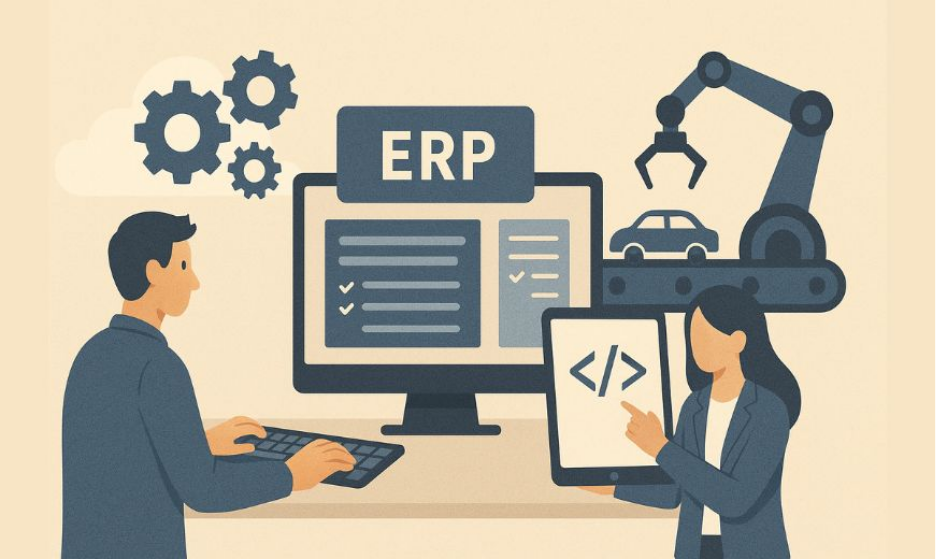
The choice between a custom ERP system and a stock ERP depends on how much the business needs to tailor the software to its specific requirements, how soon it needs to launch and a cost-benefit analysis of both options.
Custom ERP Off-the-shelf ERP
Process alignment Designed around the business process Designed around a predefined set of processes
Initial development Higher cost Lower cost
Deployment Planning and development needed Faster to launch if requirements match
Custom workflows Flexible based on requirements Based on the capabilities of a given platform
Integrations Around required systems Around available integrations
Updates Around requirements Around the roadmap of the vendor
Ownership Depends on contract and IP Typically owned by the vendor
Maintenance Managed by the business or development team Typically managed by the vendor
Best for Unique or complex business processes Standardized business processes
A hybrid option can also be worth considering. Some businesses opt to use a stock ERP for some functions and develop a custom system for specialized operations. In recent years, many analysts have started looking beyond generic comparisons of custom ERP versus off-the-shelf ERP and began focusing on actual business requirements and how well a given option meets them.
When Should a Business Consider Custom ERP Development?
A business should consider the option of a custom ERP development when:
• The current ERP system does not support essential business processes;
• Employees rely on spreadsheets or isolated software;
• Departments maintain separate sets of data and information;
• The business requires specialized approvals or automated processes;
• The business does not currently have effective integrations;
• The business requires specialized dashboards, reporting or analytics;
• The manufacturing, production or supply chain processes are exceptionally complex;
• The business expects its operations to change dramatically in the future.
Custom ERP is not always the best option simply because the business wants more features. If the existing ERP can be configured to support most requirements, it may be more cost-effective to work with the available platform.
What Should You Consider Before Building a Custom ERP?
Before embarking on the development of a custom ERP system, businesses should ask themselves several questions.
1. Define the problem
Do not build an application around available technologies or desired features – define the problems that need solving and the processes that need improving. Focus on actual requirements rather than theoretical benefits.
2. Set priorities
Not every module is equally important, and a full-scale ERP deployment is not always necessary to achieve the desired results. A custom ERP application can be launched with just the core functions and additional modules can be added later.
3. Set up integrations
Define the applications that need to exchange data with the ERP system. These can include accounting software, customer relationship management (CRM) systems, payment processors, e-commerce platforms, warehouse management systems, APIs and other resources.
4. Set up ownership and maintenance
If the application is custom-built, the contract should also state who owns the source code, what infrastructure hosting is required, ongoing support and maintenance costs, security responsibilities and future improvement options.
5. Focus on security
Not everyone should have access to the same information. The ERP system should have appropriate security measures, data encryption, access controls, auditing and permissions in place at the database and application levels.
6. Set success metrics
An ERP launch is not a success if nobody uses the new application. Focus on achieving tangible results such as reducing processing time, automating redundant tasks, eliminating data entry or improving reporting and decision-making capabilities.
How Can Custom ERP Software Help Manufacturing Businesses?
Manufacturing companies typically have complex operations that involve purchasing materials, production planning, executing production, managing quality control, warehousing and logistics, order management, sales and logistics. A custom ERP development can unify these processes into a single connected system.
For instance:
Customer order → Production planning → Material requirement → Procurement → Inventory → Production planning → Quality control → Finished goods → Dispatch → Reporting
These processes can be connected so that information about production progress and material requirements can be shared across departments, reducing delays and ensuring a steady supply of materials. This is only one example, and the actual workflow should follow the specific requirements of the manufacturing business.
ERP systems typically support manufacturing operations, including various supply chain functions, but the specific tools and degree of customization depend on the platform and the requirements of the business.
Custom ERP Development at Zoom Into Web
Zoom Into Web offers custom application development services that focus on solving business-specific problems. The company’s Website states that their software development services focus on helping businesses with streamlined operations, customer engagement and digital transformation.
When looking at a custom ERP development, a business must understand its own processes, requirements, workforce, existing software, reporting needs and future goals.
Zoom Into Web can work with the company to build or customize an application around these requirements, rather than forcing the business into a predefined set of functions and processes. The company also provides a project-planning overview that covers solution briefs, prototyping, testing and project delivery.
If your systems are causing employees to follow inefficient processes, work with inconsistent data or encounter unnecessary limitations, a custom ERP assessment can determine whether new software, tailored enhancements or a hybrid approach would be the best option.
Frequently Asked Questions About Custom ERP Software
1. What is a custom ERP software?
A custom ERP software is an enterprise resource planning system that is built or customized around the specific requirements, processes and data structures of an organization.
2. Is a custom ERP better than an off-the-shelf ERP?
It depends on the business requirements. A custom ERP development can be a better option when the business has highly specialized processes that off-the-shelf solutions do not support. An off-the-shelf ERP can be a better option when the business requirements match the capabilities of an existing platform.
3. How much does a custom ERP cost?
There is no standard price for a custom ERP development since it depends on the number of modules, integrations, users, security requirements, data migration, deployment model and other factors.
4. How long does it take to develop a custom ERP?
The development time depends on the scope of the project, but a focused custom ERP can be much faster to build than a full-scale enterprise-level platform. It is also possible to deploy a phase-one solution and add additional modules later.
5. Can a custom ERP be integrated with other software?
Yes, a custom ERP development can be designed around the required business processes and integrated with other applications as needed. The integration capabilities also depend on what external systems are required and how they are hosted or managed.
6. Is a custom ERP right for my manufacturing business?
Manufacturing businesses can greatly benefit from custom ERP development, particularly when it comes to production planning, execution and control, inventory, procurement, quality control and warehousing. This type of business typically has processes that require detailed customization to support operations.
