
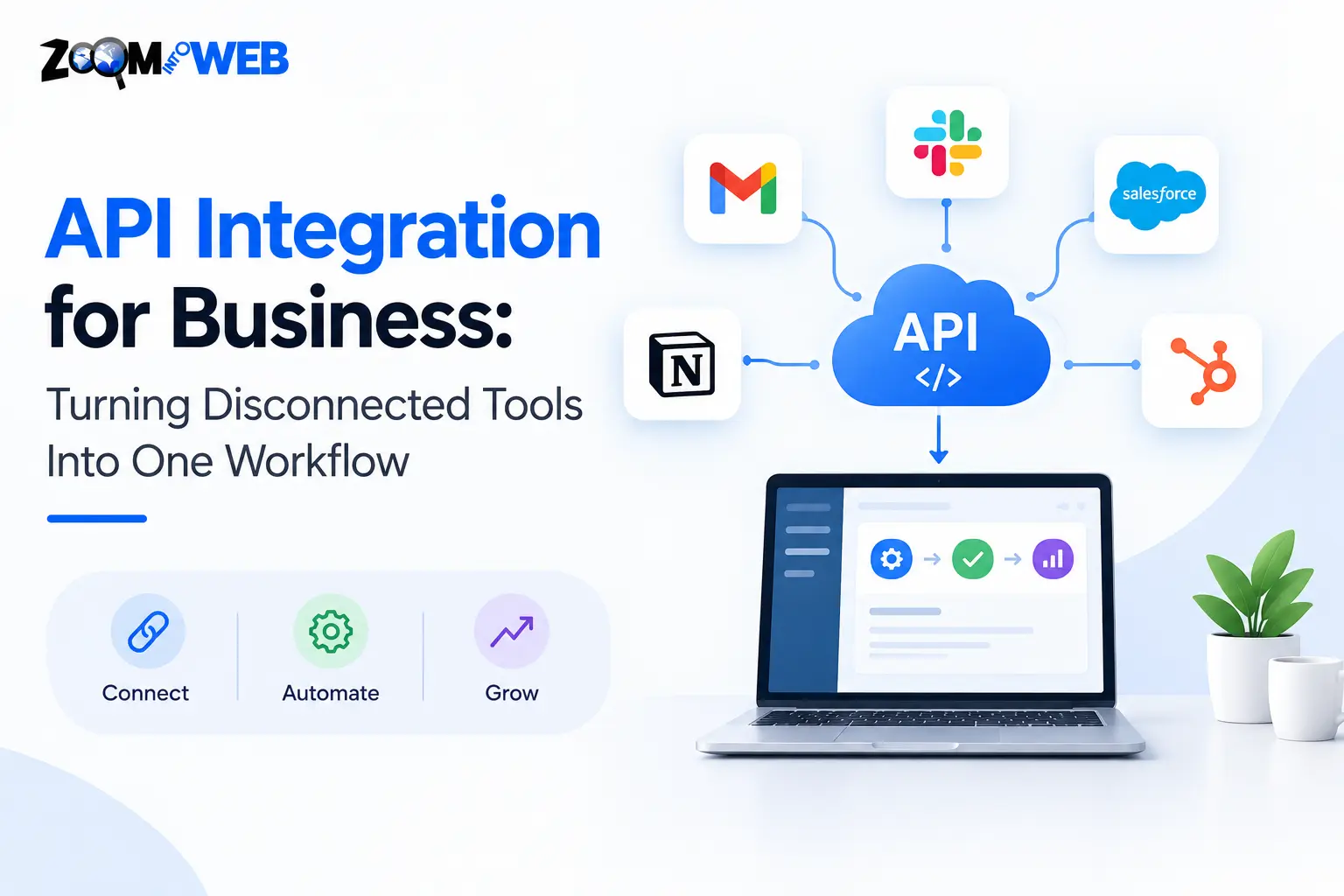
An enterprise can be efficient in terms of its software but still be an inefficient entity. The issue arises due to the inability of such software to interact.
Sales work on their CRM. Finance uses accounting software. Marketing runs their campaigns from one application. Customers are managed via an e-commerce system. Support specialists use their helpdesk.
API integration transforms the described scenario into communication and interaction of applications where data transfer occurs automatically.
With the help of proper API integration services, companies manage to combine uncoordinated applications into a workflow where data transfer takes place automatically.
Zoom Into Web provides its clients with the opportunity to develop digital solutions for such areas as software development, web applications, mobile applications, cloud applications, CRM development, and other technology services. In view of this, API integration services are quite an organic part of development services.
API integration connects separate software systems via APIs so that data exchange and action triggering take place automatically.
What Is API Integration?
The term “API” stands for “Application Programming Interface.” It is a predefined method by which software applications can connect.
An API is best viewed as a controlled messenger that connects one system with another.
For instance, in the case where a client fills out an inquiry via the website, the API can deliver the information to the CRM, which then sets in motion other actions like sending an alert to a salesperson or initiating an email process.
Employees would no longer have to manually transfer data from one system to another when systems are integrated.
Google refers to an API as a basic requirement for establishing connectivity between multiple applications or services and also recommends methods like documentation, authentication, authorization, versioning, and proper error handling.
Why Businesses Need API Integration
Businesses in the modern world hardly ever use just one application.
- A common digital process could consist of the following:
- CRM systems
- Accounting software
- E-commerce solutions
- Payment systems
- Marketing tools
- Support systems
- Inventory management systems
- Enterprise software
- Mobile applications
- Cloud computing systems
In case of non-integration, every software becomes an isolated information silo.
This results in issues such as data duplication, outdated information, re-entry, inconsistent customer data, and additional work.
Integrating API ensures that there is no isolated flow of data but instead a continuous flow.
The actual business value
The most important value of integration is not just connectivity.
It is workflow consistency.
When systems communicate well, an activity from one system can become an input to another system. This makes it possible for companies to create processes based on the way work flows, not on the restrictions of different software programs.
How API Integration Works
It may sound like a technically complex thing, but the whole process is actually simple.
Consider an online shop that integrates with a CRM.
The customer makes an order.
Order information is passed from the e-commerce system via API. The integration component receives the order information, validates and transforms it if needed, and forwards it to the target CRM system.
The CRM customer record is updated.
The same event may be used to initiate inventory changes, customer notifications, tracking, analytics events, or other business processes.
API Integration Example Flow
Business event → API call → Authentication → Data processing → Target system → Response → Monitoring
It may involve the use of REST APIs, webhooks, GraphQL, middleware, API gateways, or other architectural solutions, based on the actual systems being integrated.
The correct solution is determined by such parameters as data size, security needs, latency requirements, reliability, scalability, and capabilities of connected systems.
Common Business Use Cases
Any process where there is a requirement for different systems to share data can be assisted through API Integration Services.
CRM & website integration
Website form submissions can go directly into the CRM system.
The sales team receives structured data without needing to copy form submissions manually.
E-commerce & Inventory Integration
The e-commerce platform can share data with the inventory software to ensure that data is consistent throughout systems.
Payment & Accounting Integration
Payment data can be sent to accounting systems.
Marketing automation
A user action may be passed around from CRM to email marketing tools to analytics to advertising platforms to enable companies to craft more meaningful customer experiences.
Integration with mobile apps
Mobile applications require APIs to interact with back-end services, databases, authentication mechanisms, payments, and other third-party services.
API Integration vs Manual Data Transfer
With manual data transfer, people are tasked with transferring data from one application to another. It will take time and could cause duplicate entries, inconsistency, and even mistakes. As data volumes and the number of business applications increase, it becomes difficult for people to manage this task manually.
By using API integration, software applications can talk to each other and transfer information automatically. Automation will reduce the workload and speed up the transfer of information among connected applications. Information is transferred either in near real time or in a scheduled process, depending on the integration.
API integrations also allow business processes to be scalable in nature. Rather than increasing the amount of manual work due to expansion in business processes, you can use integration to automate any recurring flow of data among applications. You could validate, log, monitor, and do many other things as part of your automation.
But API integration does not mean that you get automatic improvement just because it is automated. Poorly designed integration could lead to several issues, including security vulnerabilities, data inconsistencies, transaction failures, or even technical complexity.
Benefits and Limitations of API Integration
Advantages
- Helps to eliminate redundant data entry tasks
- Leverages existing business applications
- Improves data consistency
- Automates workflows
- Enables faster information exchange
- Increases customer satisfaction
- Makes business processes easier to track
- Enables existing software solutions to cooperate
Disadvantages
- Integration initiatives are technically complicated
- Changes to third-party APIs might have an impact on integration
- Incorrect authentication techniques may lead to security threats
- Complicated workflows are hard to maintain
- There are APIs with limited access available on some platforms
- Integration cannot solve inherent data quality issues
The aim is not to integrate all available systems, but only those that bring value to the business.
API Integration Process
The successful API integration requires an analysis of the business process before proceeding with the actual work on implementation. The objective is to understand the movement of information in the business process and to design a dependable connection between systems.
Understand the Workflow
First, you need to map out the existing workflow. You should understand where information enters the business process, how it is processed, what systems use it, and where it should eventually be sent. This will help you identify repetitive tasks, delays, redundant information entering, and other aspects that integration may help solve.
Identify the Systems
Then, you should identify all the applications that are used in the process. In particular, you should understand what type of information is stored in each of them and which application is considered to be the owner of the information of a certain type.
Check the Capabilities of APIs
Finally, prior to development, you need to look at the APIs of each system and check such things as endpoints, authentication, rate limits, documentation, data format, webhooks, versioning, and others.
The Design of the Integration
An appropriate integration design involves the creation of a proper architecture that indicates how information will flow between the systems involved. This design should also consider issues such as security, scalability, performance, and how to handle any possible failure of any other service attached to the integration.
Building and Testing
After the creation of the architecture, developers will now be able to create the integration and test it using actual situations. Tests should involve both successful requests and lack of data, duplication of requests, wrong authentication, unexpected responses, API errors, and interruption of the service.
Monitor After Going Live
This does not mean that once an API integration goes live, it is done with. There is always a need for APIs to change, credentials to expire, services to undergo maintenance, and business needs to change. This continuous monitoring process will help detect any failed requests, unusual behaviors, authentication issues, service interruptions, and data discrepancies before anything else happens.
An effective API integration is thus a continuous process.
Best Practices for API Integration
Some guidelines for a good integration strategy are:
- Business success, not technology, comes first.
- Define ownership of the data before integration.
- Have well-defined and predictable API contracts.
- Design for failure, not just successful transactions.
- Keep credentials and sensitive information safe.
- Monitor integrations constantly.
- Document the architecture and interdependencies.
- Consider changes to API versions.
- Test all edge cases before release.
- Review integrations as business processes change.
Google suggests designing the API first and documenting it thoroughly, whereas its guidelines for API design give some principles for creating APIs.
How to Choose API Integration Services
Provider choice needs to consider more than how well it can integrate two applications.
Select a team capable of understanding the workflow of the business, analyzing the existing system, designing integration architecture, handling authentication and transformation of data, testing failure scenarios, and providing post-launch support.
Question the providers on:
- Can they work with custom APIs?
- How do they intend to protect the sensitive data?
- How would errors and failed requests be handled?
- How would changes to the API be handled?
- What sort of monitoring would be provided?
- How would data ownership be established?
- Would the integration be able to scale as the business grew?
- Would the documentation be transferred after deployment?
For businesses seeking additional expertise in application development in addition to integration, the firm Zoom Into Web provides software development, web development, mobile applications, cloud applications, and CRM development, among others. The firm claims its approach involves discussing the project, development, testing it, reviewing it, and deploying it.
Expert opinion:
Integration should not be considered the best integration because it makes the most connections. Instead, it should reduce friction within the business.
Final Verdict
API integration isn’t just the connection between two applications when done right; it’s the backbone that helps disparate elements of your business function together seamlessly.
The best practice involves identifying operational friction, pinpointing which systems need to talk, designing a secure flow of data, testing the failure scenarios, and monitoring the integration once it goes live.
With multiple digital products used by businesses today, our API integration services can help connect these various software solutions into one seamless process.
Ready to integrate your business systems?
If your disconnected tools create duplication and inefficiency in your workflow, you may want to reconsider the communication between your applications.
Contact Zoom Into Web to discuss the possibility of integrating your software, developing applications, and setting up your CRM, cloud, web, or mobile solutions.
FAQs About API Integration for Business
What is API integration in business?
API integration refers to the linking of business applications to facilitate information sharing and automatic collaboration. API integration will cut down on manual movement of information from one system to another by employees.
Why is API integration necessary in business?
API integration can save time through reduction of repetitiveness in tasks, increase consistency of data, fasten information movement, and link vital business processes. It allows for building an efficient workflow involving multiple applications in business.
Is API integration safe?
API integration is safe when it is done properly. API integration needs proper consideration of authentication, authorization, encryption, secure credential management, input validation, monitoring, and access control.
Which software types can be integrated with the help of APIs?
There are many business software types that can be integrated using APIs, such as CRM, e-commerce, payment gateways, accounting, marketing, inventory management, customer support, mobile, and cloud software.
What should I consider when choosing an API integration service provider?
When choosing an API integration service provider, you should make sure that they are familiar with API architecture, security, testing, error handling, monitoring, and documentation.
Written by the Zoom Into Web Team
This content was written by the Zoom Into Web team, combining hands-on experience in web development, software solutions, and digital marketing. We create accurate, practical, and up-to-date content to help businesses make informed technology decisions.

Custom ERP Software Development: Benefits & Guide | Zoom Into Web
[…] around the required business processes and integrated with other applications as needed. The integration capabilities also depend on what external systems are required and how they are hosted or […]